MacBook Pro 16" M2 Pro Charging Port Repair
MacBook Pro 16" M2 Pro charging port repair service in Kuala Lumpur
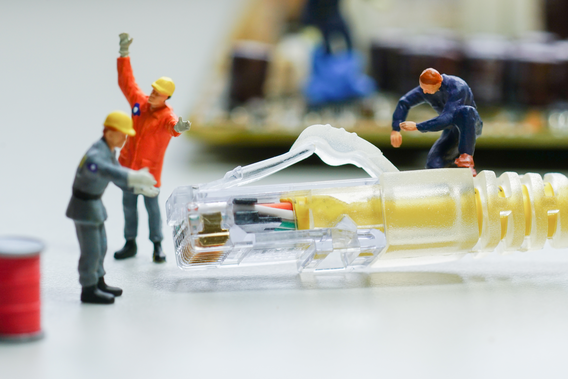
MacBook Pro 16" M2 Pro Charging Port Repair in Kuala Lumpur
MacBook Pro 16" M2 Pro not charging? MagSafe or USB-C port broken? We fix MacBook charging issues in KL. Walk in or book online.
MacBook Pro 16" M2 Pro charging problems worth checking
- MagSafe connector doesn't click in magnetically anymore, or the LED stays off.
- MacBook charges very slowly or not at all.
- Only charges from one specific port but not others.
- Charging stops and starts randomly.
- You see burn marks or smell something around the port area.
Port or cable? We check both
The MacBook Pro 16" M2 Pro charges via MagSafe 3 or any of its USB-C ports. Before swapping anything, we test with known-good cables and chargers. A surprising number of charging issues come down to a bad cable or a third-party charger that can't deliver enough wattage. If the port itself has physical damage or corroded pins, we replace the port board. MagSafe issues can also come from the DC-in board rather than the connector itself.
What the repair looks like
- Port inspection under magnification for bent pins, corrosion, or burn marks.
- Cable and charger testing to rule out accessories.
- MagSafe DC-in board replacement if the magnetic connector is faulty.
- All ports tested for both charging and data transfer after repair.
- SMC reset and charging verification in macOS.
Pricing & time
- Cost: RM 200 - RM 500
- Turnaround: 1-2 hours
Other MacBook Pro 16" M2 Pro repairs
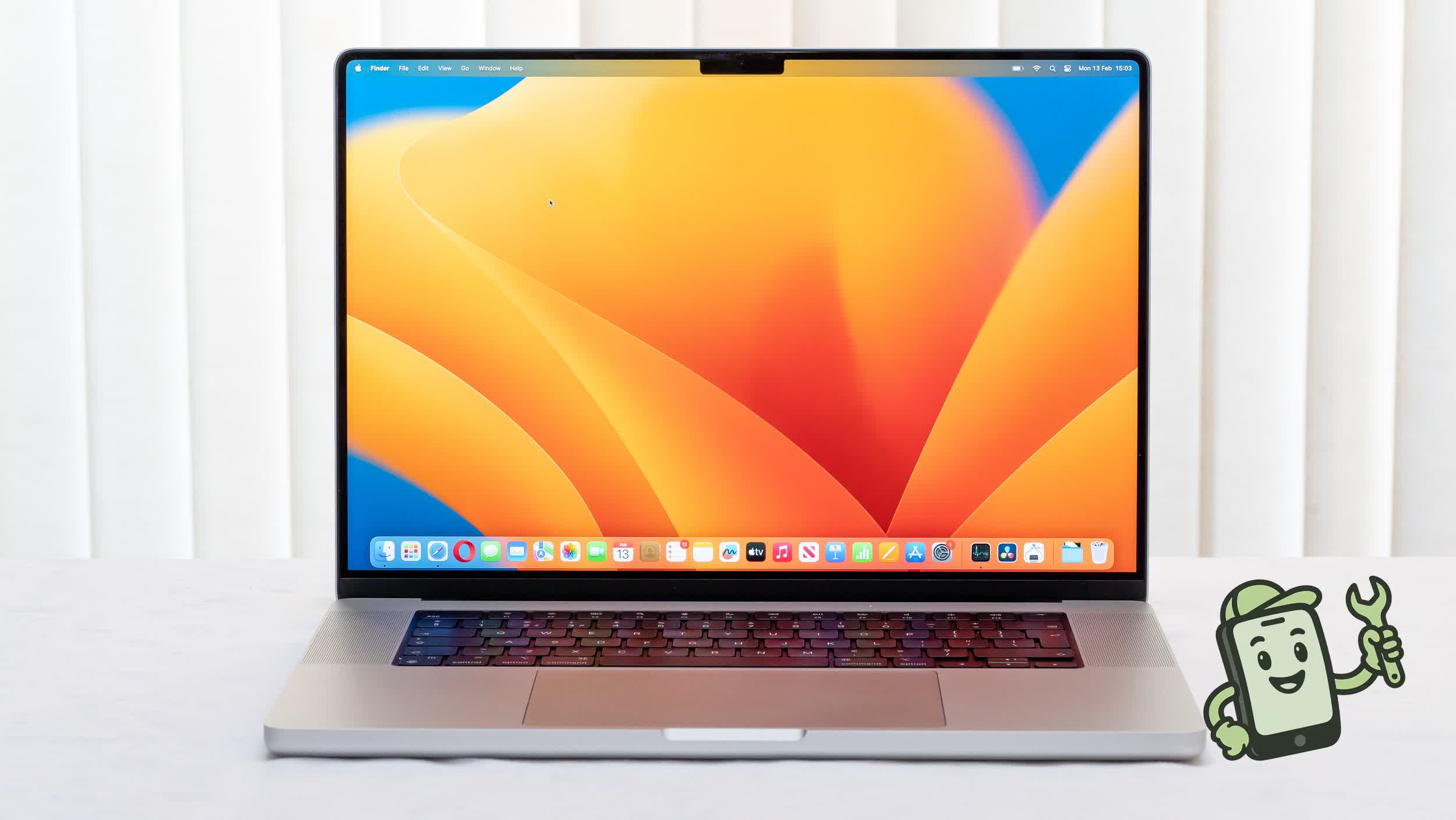
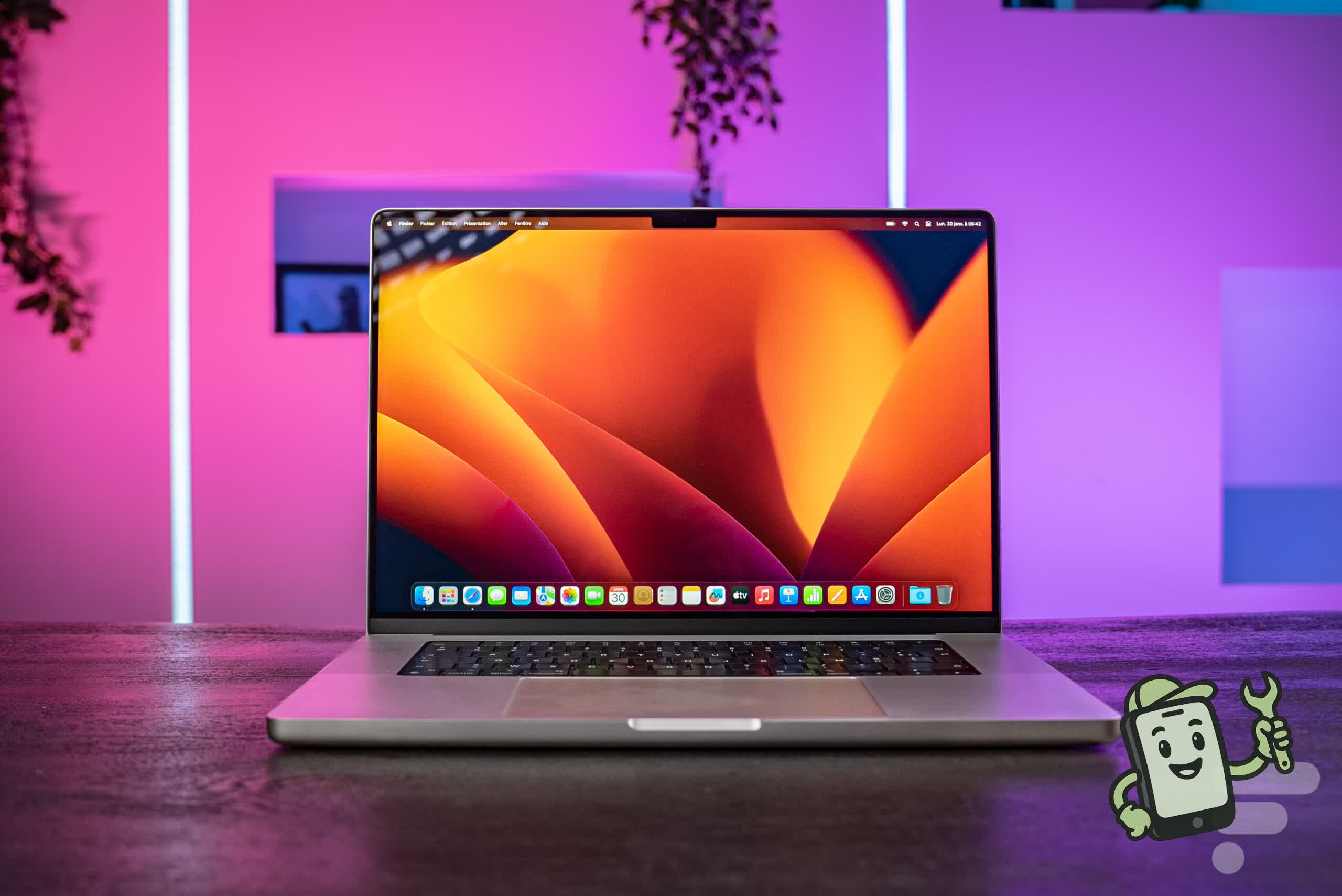
MacBook Pro 16" M2 Pro — device reference photos
What the MacBook Pro 16" M2 Pro looks like, so you know we work on your exact model.


Frequently asked questions
How much does a MacBook Pro 16" M2 Pro charging port repair cost in Kuala Lumpur?+
Pricing depends on the exact MacBook Pro 16" M2 Pro model and how much damage there is, so we quote you up front — before any work starts and with no obligation. There's no diagnostic fee for a standard charging port repair. Message us the model or walk in and we'll give you an exact figure in minutes.
How long does a MacBook Pro 16" M2 Pro charging port repair take?+
Most MacBook Pro 16" M2 Pro repairs are same-day, and many common jobs are done within 1–2 hours while you wait. Board-level and liquid-damage work can take longer because it's done properly rather than rushed — we'll give you a realistic time when we quote.
Why won't my MacBook Pro 16" M2 Pro charge or connect properly?+
Nine times out of ten it's a worn or lint-clogged MagSafe 3, 3x Thunderbolt 4, HDMI, SD card port, a bad cable, or a damaged charging flex — not the battery. We start by cleaning and testing the MagSafe 3, 3x Thunderbolt 4, HDMI, SD card port; if it's physically worn we replace the port/flex assembly and verify fast-charging and data transfer before handover.
Do you use good-quality parts, and is the MacBook Pro 16" M2 Pro repair guaranteed?+
Yes. We fit OEM or grade-A equivalent parts for the MacBook Pro 16" M2 Pro and back every repair with a warranty on both parts and labour. If anything related to the charging port repair isn't right afterwards, bring it back and we'll sort it.
Where in KL can I get my MacBook Pro 16" M2 Pro charging port repair done?+
Fix It Jerry is based in Kuala Lumpur and handles MacBook Pro 16" M2 Pro charging port repair for walk-in and booked customers across KL and Petaling Jaya. Book online or drop in — most people are in and out the same day.
All MacBook Models
- MacBook Pro 16" M4 Pro
- MacBook Pro 14" M4 Pro
- MacBook Pro 14" M4
- MacBook Pro 16" M3 Pro
- MacBook Pro 14" M3 Pro
- MacBook Pro 14" M3
- MacBook Pro 16" M2 Pro
- MacBook Pro 14" M2 Pro
- MacBook Pro 16" M1 Pro
- MacBook Pro 14" M1 Pro
- MacBook Pro 13" M1
- MacBook Air 15" M3
- MacBook Air M3
- MacBook Air 15" M2
- MacBook Air M2
- MacBook Air M1